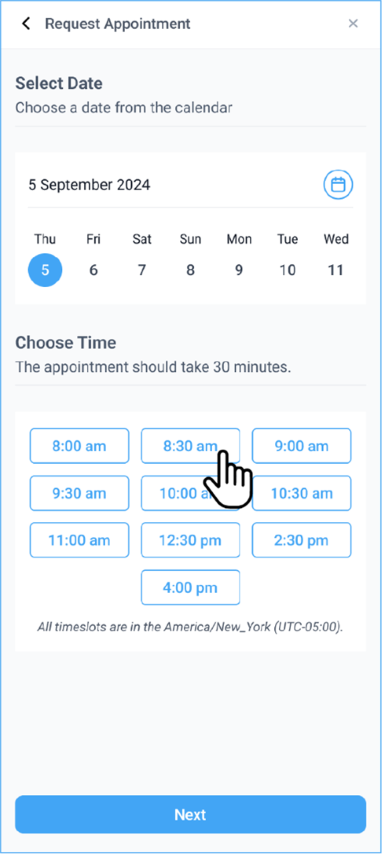
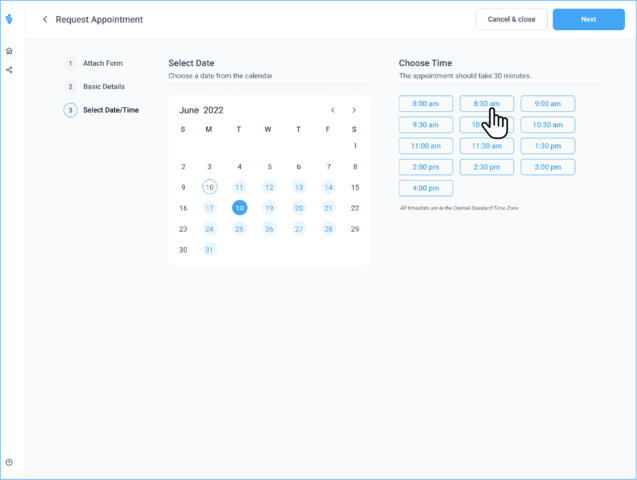
Requesting Appointment Drawer
How do I expand the request appointment drawer?
Desktop and Mobile
-
Click the + Request Appointment button on the top right corner.
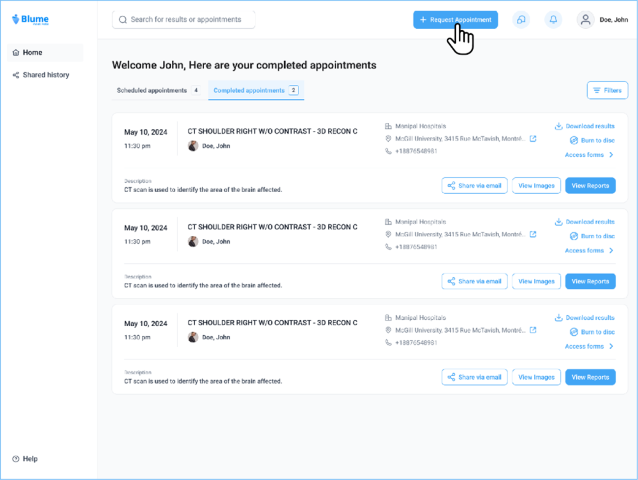
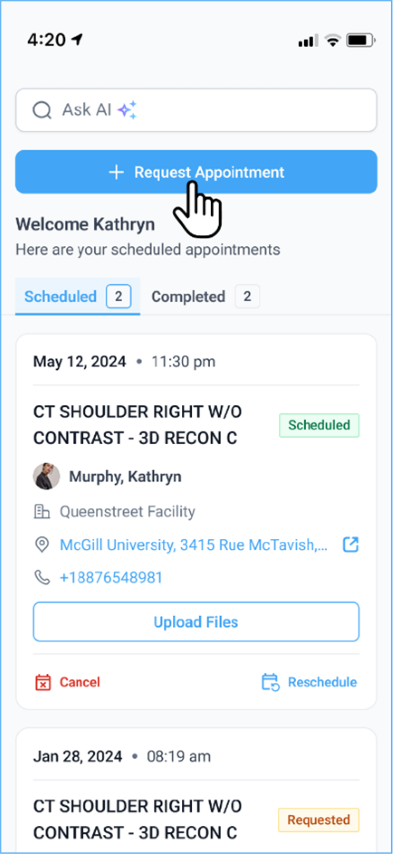
-
The Request Appointment drawer will expand, displaying the required fields to proceed with the booking.
-
Fill in the necessary details such as Patient Name, Imaging Procedure, Current Location, and Healthcare Provider.
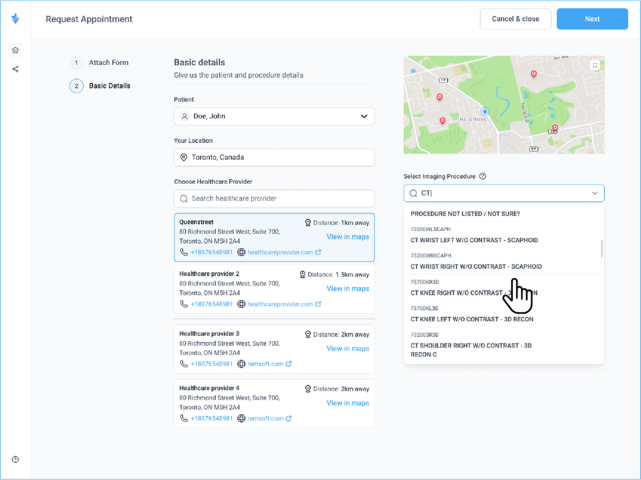
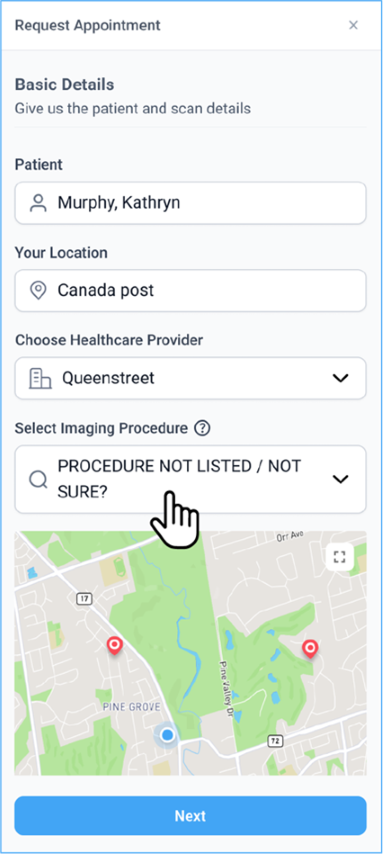
-
Click Next to proceed with selecting a date, and time slot, and uploading relevant documents.